

Why Two Prompt Modes Instead of One
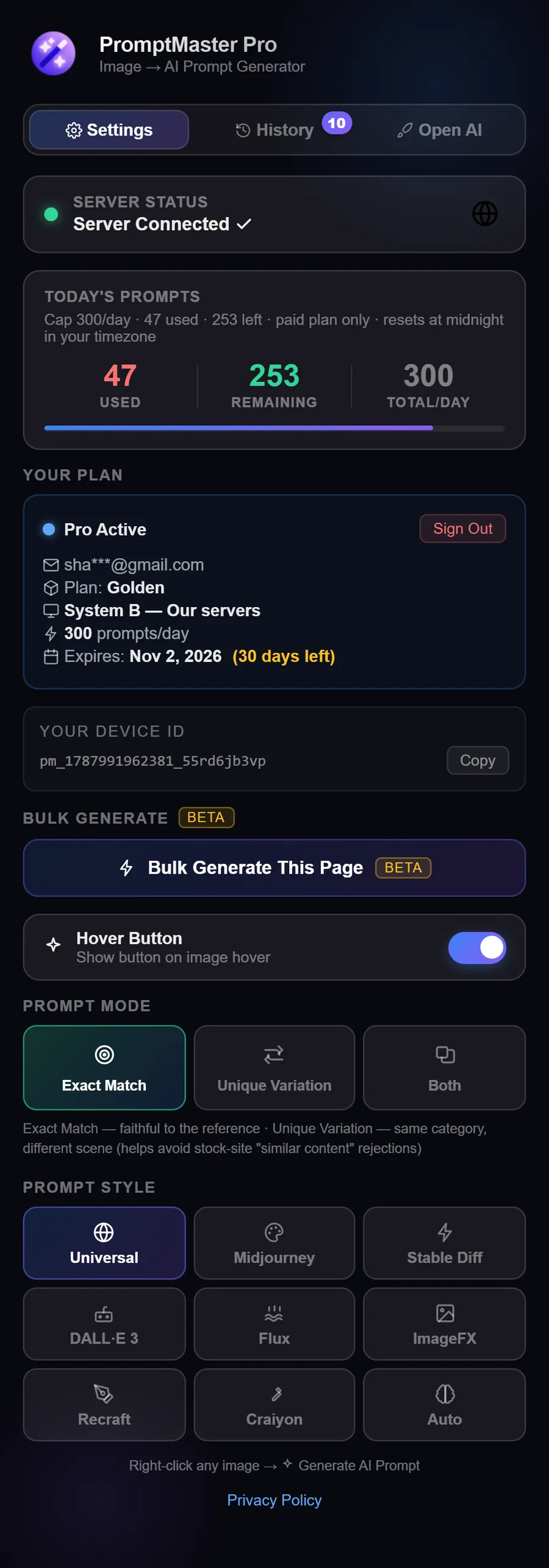
Right after we shipped PromptMaster Pro's newest update, a user asked me something I hadn't explained properly yet: why two prompt modes instead of one good one? Fair question, and the honest answer is that the whole point of Unique Variation is to help you avoid stock photo rejection in the first place.
Turns out this isn't a vague "quality" standard — every major stock platform spells it out in writing, and most people generating prompts have no idea they're walking straight into that wall.
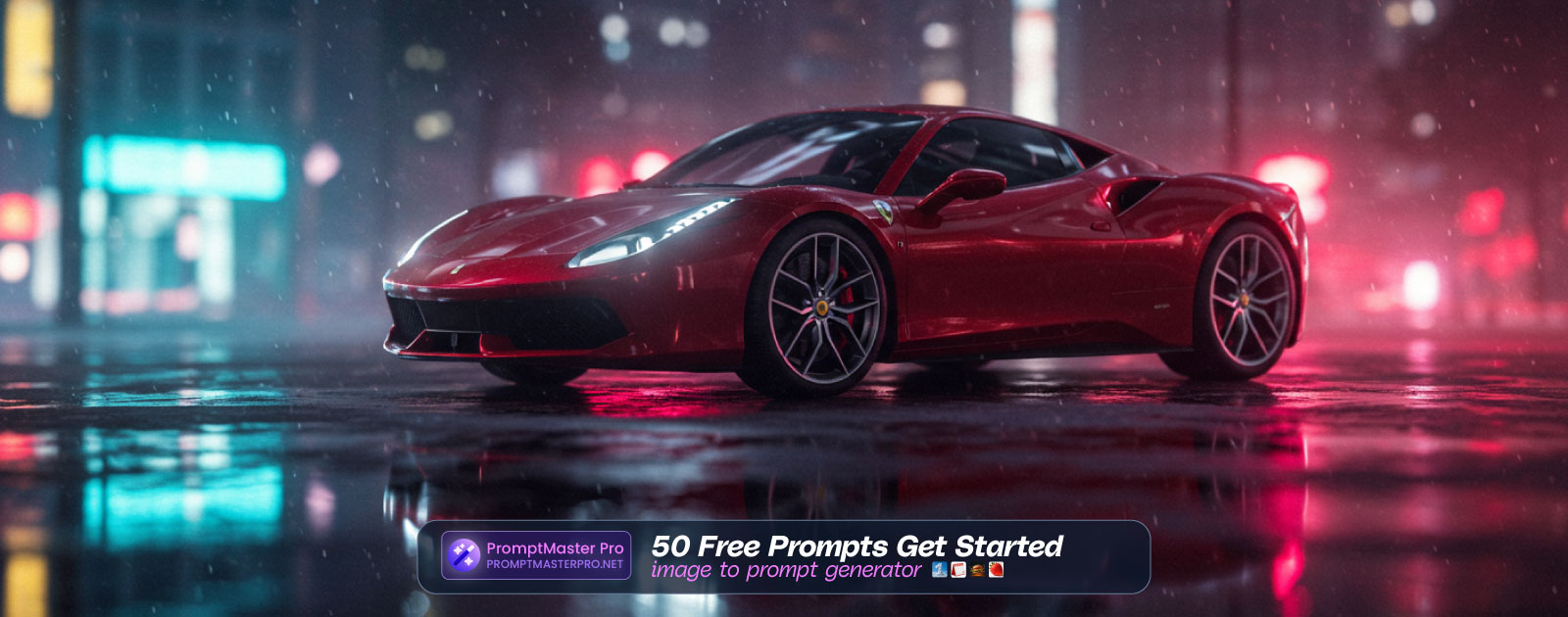
The rejection pattern nobody warns you about
- 🔗 Pngtree's contributor guidelines reject submissions that keep the same content and only change the background, position, angle, or the character's direction/structure, color, fonts, or software format.
- 🔗 Vecteezy requires "very noticeable differences in composition, elements, styles" between an author's own submissions.
- 🔗 Freepik rejects images that "closely resemble" a contributor's previous work in composition, framing, main elements, or motifs.
- 🔗 Adobe Stock tells contributors directly to avoid uploading multiple similar iterations from the same prompt.
Read those four back to back and the pattern is obvious: changing only color, angle, or background doesn't count as a different image to any of them. The scene itself has to change.
So We Built Two Modes On Purpose
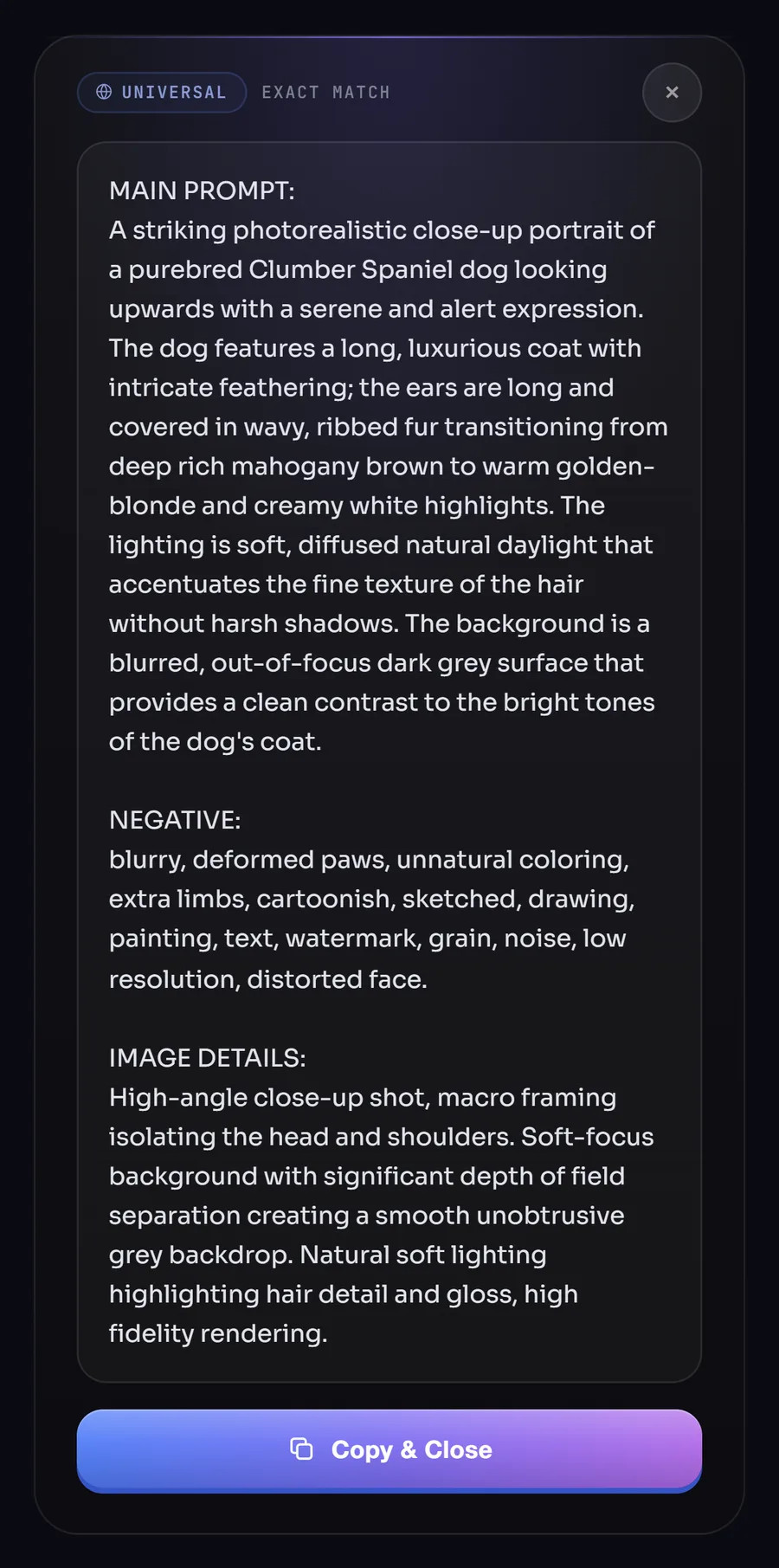
Exact Match describes your reference image faithfully — same subject, same composition, same scene, same details. That's what you want when accuracy is the whole point.
Unique Variation exists specifically to help with the problem above. It changes the scene on two levels: the mandatory layer shifts the subject's action, pose, or setting to something genuinely different — parked becomes in motion, indoor becomes outdoor, daytime becomes studio lighting — while the subject and commercial use case stay the same. Color and lighting can also shift, but only on top of a scene that's already different, never as the only source of difference.
That second rule is the actual design decision, if I'm honest. Color-only variation is exactly the pattern every platform above rejects, so the mode simply can't produce that by itself.
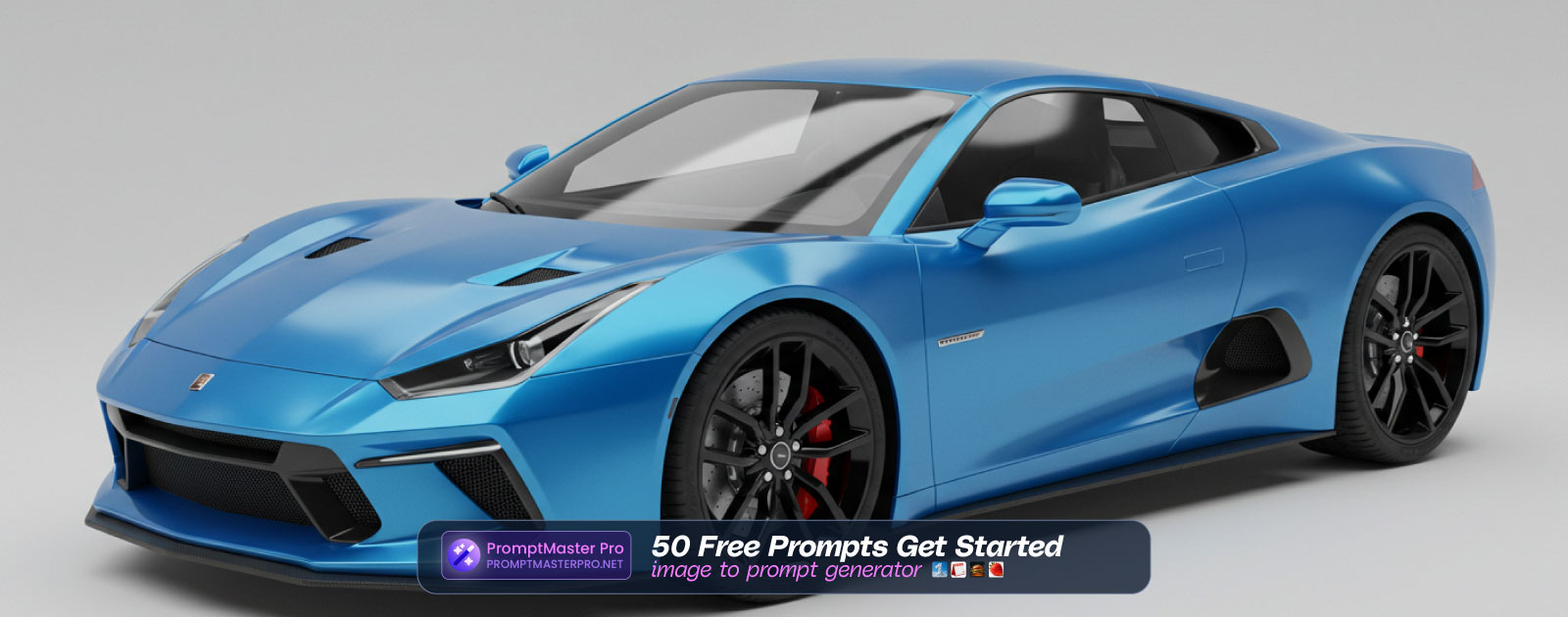
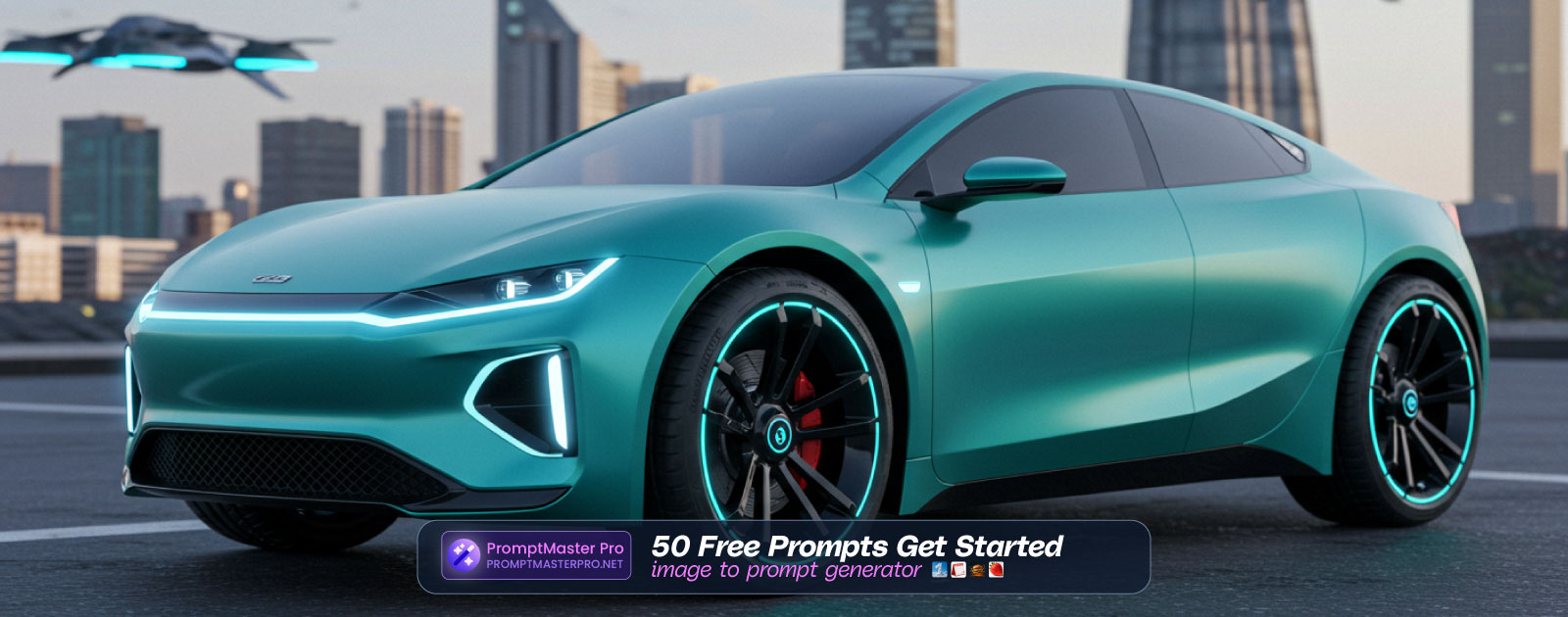
What This Looks Like in Practice
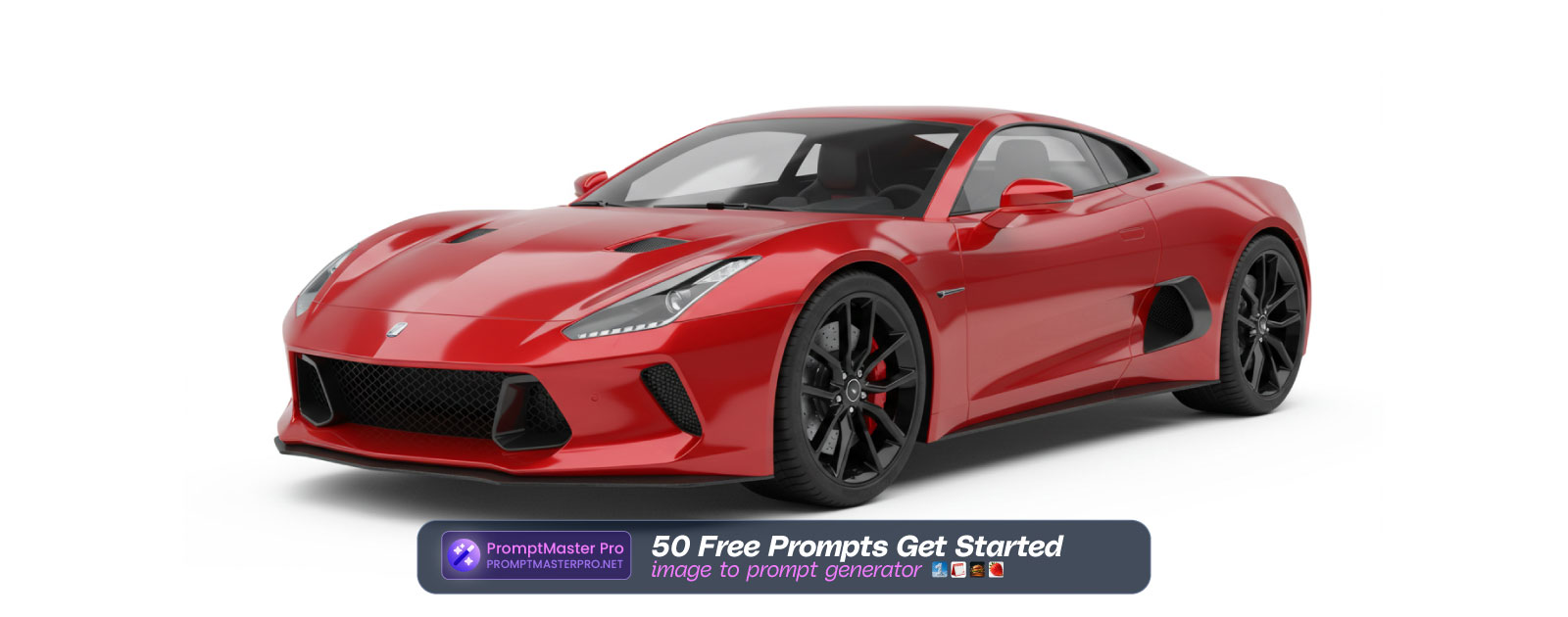
We tested this against a plain reference photo — a car "driving on a highway at dusk." Under Unique Variation, the output described an entirely different scenario: the same car in a "dynamic studio setting on a chrome turntable." Not a recolored copy of the highway shot — a genuinely different scene, same subject.
Which One Should You Actually Use
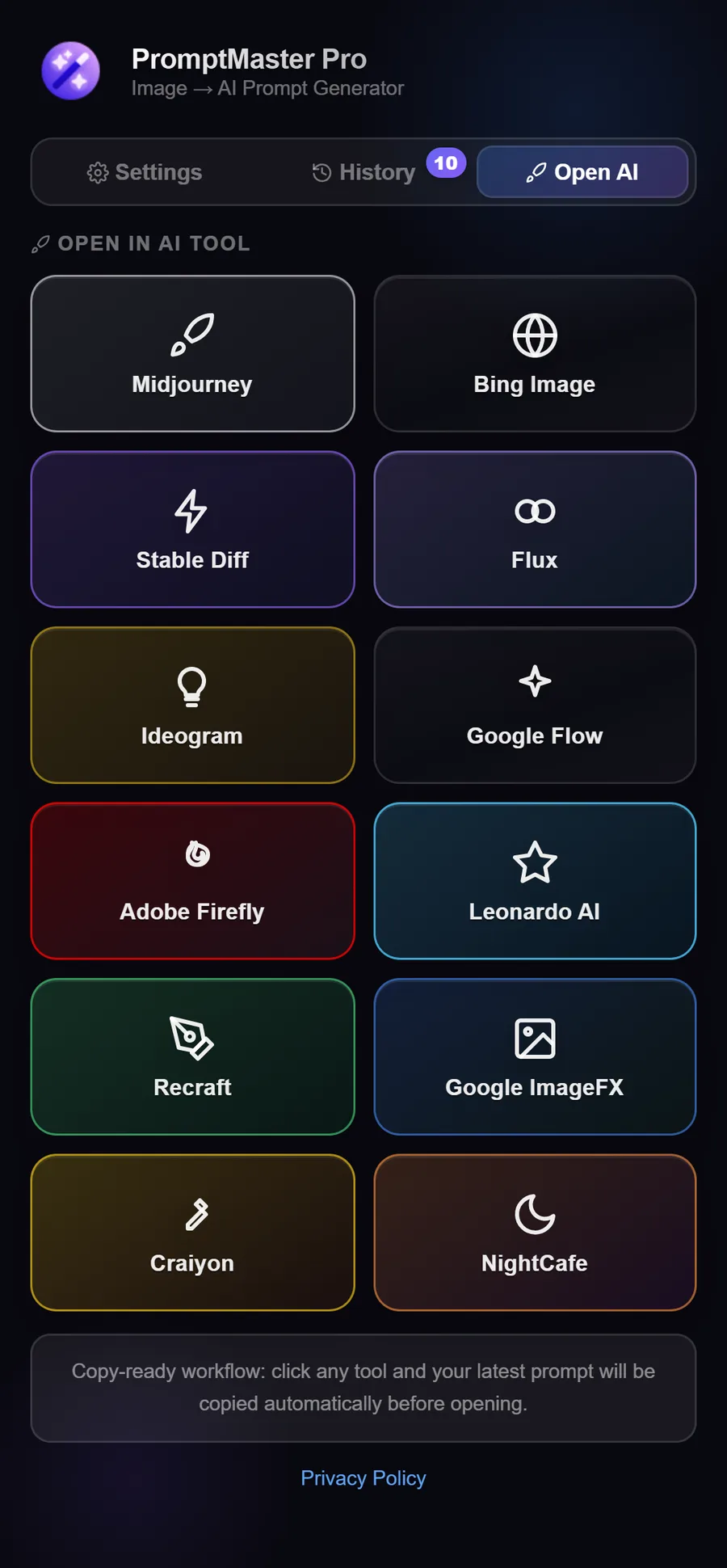
If you're building a portfolio around similar subjects, Unique Variation is the one that helps reduce that risk — generate prompts for several genuinely distinct scenes in one sitting instead of uploading faithful-but-near-identical images and hoping the reviewer doesn't notice. Exact Match still has its place when accuracy is the whole point and marketplace similarity rules aren't a concern.
We didn't guess at any of this — every rule Unique Variation follows traces back to something a platform has written down. If you haven't tried switching modes yet, it's worth testing both on the same reference image inside PromptMaster Pro to see the difference for yourself.