Frequently Asked Questions
Everything you need to know about PromptMaster Pro. Installation, plans, payments, and more.
No! The Free plan uses our own server, just install and start generating. For paid plans, you can choose: Silver (৳99/mo), use your own free Groq/Gemini API key, or Golden (৳499/mo), let us handle everything with no setup.
Visit the Chrome Web Store, search "PromptMaster Pro", click Add to Chrome. Then pin the extension from Chrome's toolbar. Open the popup, enter your email, and activate your plan if you have one.
Step-by-step guide: how-to-install
Google Chrome (recommended), Microsoft Edge and Mozilla Firefox, each from its official store. Other Chromium-based browsers such as Brave and Opera can install it from the Chrome Web Store. Safari is not supported yet.
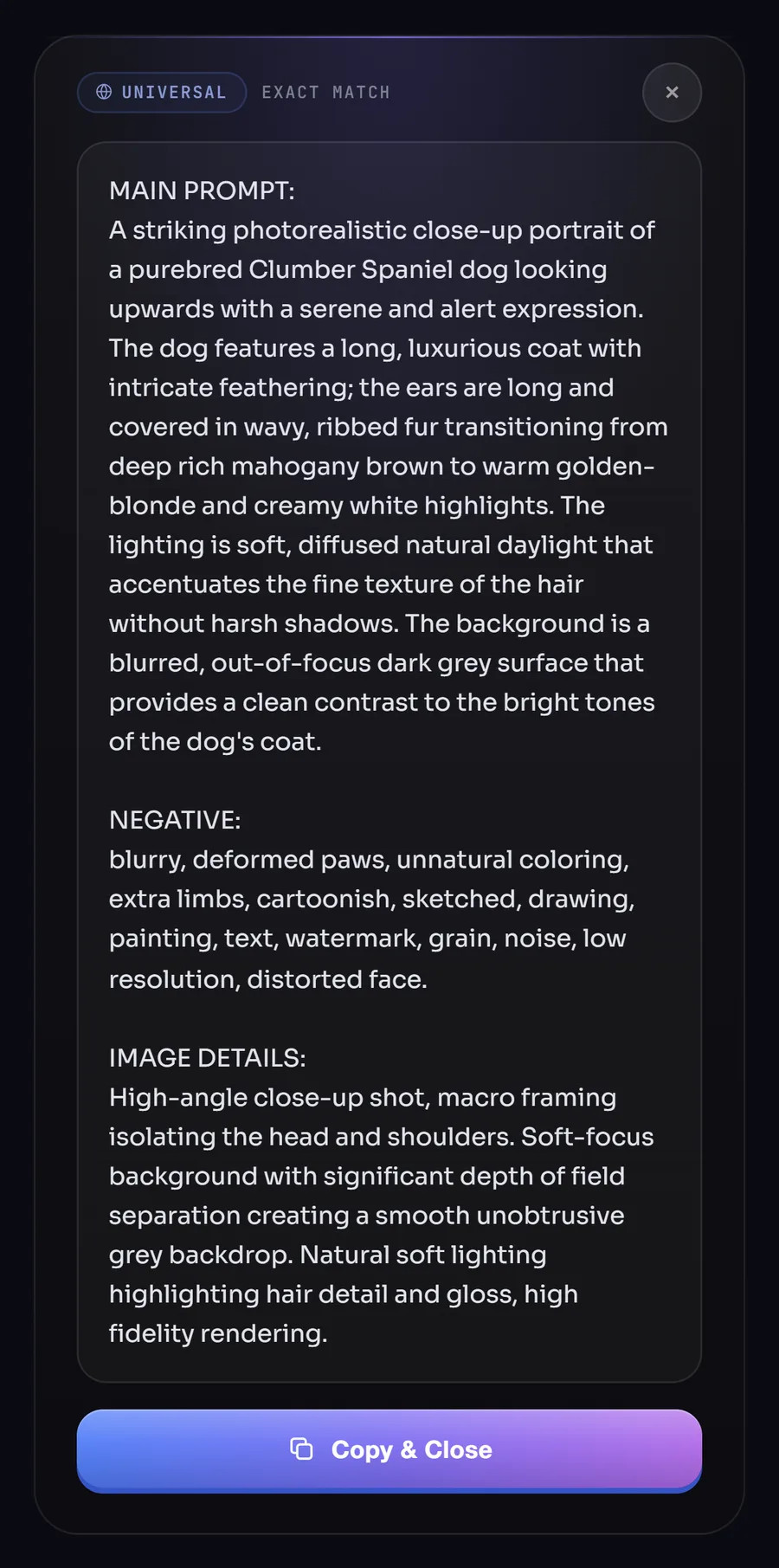
We use advanced, professional-grade vision AI, optimized for speed and accuracy. Free & Golden plans use our own servers; Silver lets you use your own Groq or Google Gemini key. Output works with Midjourney, DALL·E 3, Stable Diffusion, Flux, and more. Prompts are generated in seconds.
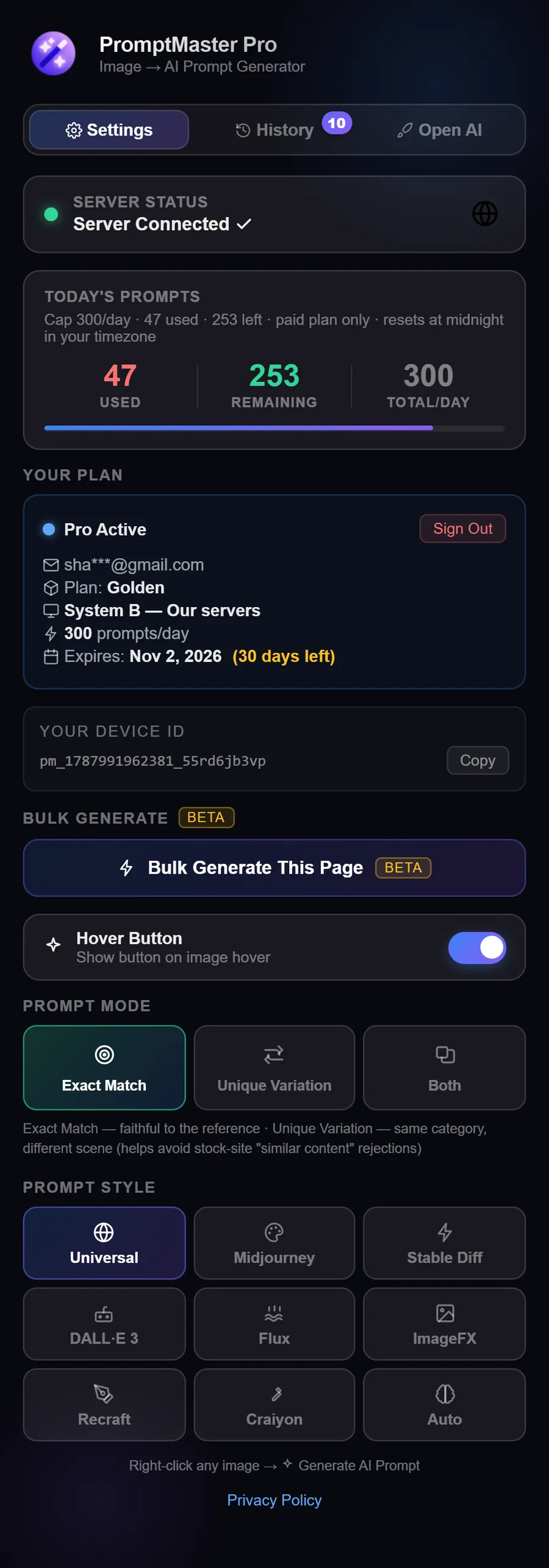
9 output modes tuned for different platforms: Universal, Midjourney, DALL·E 3, Stable Diffusion, Flux, Recraft, Google ImageFX, Craiyon, and Auto. All 9 styles are included in every plan including Free. Silver and Golden plans also unlock Unique Variation mode, which generates a second, same-category alternate-scene prompt.
The right-click context menu works on any image on any website. The hover button appears on supported image-heavy layouts (e.g. stock photo sites, Pinterest, Google Images).
Free: 10 prompts/day, 1 device.
Silver (৳99/mo): your own Groq/Gemini key, 1,000* prompts/day, unlimited devices, Bulk Generate (BETA) + CSV export.
Golden (৳499/mo): our servers, no setup, 300 prompts/day, unlimited devices, Bulk Generate (BETA) + CSV export.
See pricing or the comparison table on this page.
Free: 1 device.
Silver and Golden: unlimited devices, your daily usage stays synced across all of them, since your quota is tied to your account, not any single device.
Your Device ID is shown in the extension popup.
At midnight in your own local timezone, every day, for all plans including Free.
Card plans renew automatically, so there is nothing to do. bKash and Nagad plans do not renew on their own: when yours ends, pay again on our checkout page and we'll reactivate within 2-4 hours.
There's no time-limited trial, but the Free plan is permanent, you can test the extension with 10 prompts/day before upgrading. No credit card needed.
Yes. Purchase a new plan, your account updates when we process the payment. If upgrading mid-cycle, contact us for a pro-rated adjustment.
Click any plan and choose how to pay. Card payments via Lemon Squeezy activate automatically within moments. For bKash or Nagad, send the amount shown on the checkout page and enter your Transaction ID there. We activate your plan after checking the payment, usually within 2-4 hours.
Card payments via Lemon Squeezy (instant activation), or bKash and Nagad on our checkout page (activated after we check the payment, usually within 2-4 hours).
Click a plan and choose "Pay with bKash / Nagad".
On the checkout page, copy the number and send the exact amount shown, using the option the page names (Send Money or Payment), not Request Money.
Enter your email, name, the number you paid from and the Transaction ID, then tap Submit order.
We check the payment and email your activation key, usually within 2-4 hours.
Usually within 2-4 hours. If not activated after 24 hours, email support@promptmasterpro.net with your transaction ID.
Yes. Card plans renew automatically until you cancel. To cancel, use the "Manage or cancel subscription" button in your welcome email, or go to promptmasterpro-net.lemonsqueezy.com/billing (international: promptmasterpro-intl.lemonsqueezy.com/billing) and sign in with your email. You keep access until the end of the period you paid for. bKash and Nagad plans never renew on their own.
Refunds within 7 days of purchase if your plan has not been activated yet, or if we could not resolve a technical issue. See refund-policy.
We only process images temporarily to generate prompts, images are not stored on our servers. Your prompt history stays on your device. We store email and Device ID for plan validation only. See privacy for details.
Does: send the selected image to the AI backend; store email and Device ID for plans.
Does not: access browsing history, passwords, or track you across sites beyond activation.
Full details: privacy
No, we only process the image to generate prompts; we do not store your images on our servers.
Go to console.groq.com, sign up, API Keys, Create Key. Free tier includes generous vision limits.
Use a Chromium browser; pin the extension and use the correct email.
If on OWN KEY, verify your API key.
Try right-click on the image instead of the hover button.
Contact support with Device ID and plan info.
Yes, right-click works everywhere with images. Hover button is enabled on many popular sites.
Ready to get started?
Install PromptMaster Pro for free and generate your first prompt in under 30 seconds.
Add to Chrome, It's Free