Pricing
Simple, Transparent Pricing
Three clear plans. Start free, upgrade when you need more. No hidden fees, no complexity.
Free Forever
Free
$0
Always free · No credit card · 50 total prompts
10 Prompts / Day
Our Server
9 AI Styles
Magic Hover Button
Limited History
1 Device
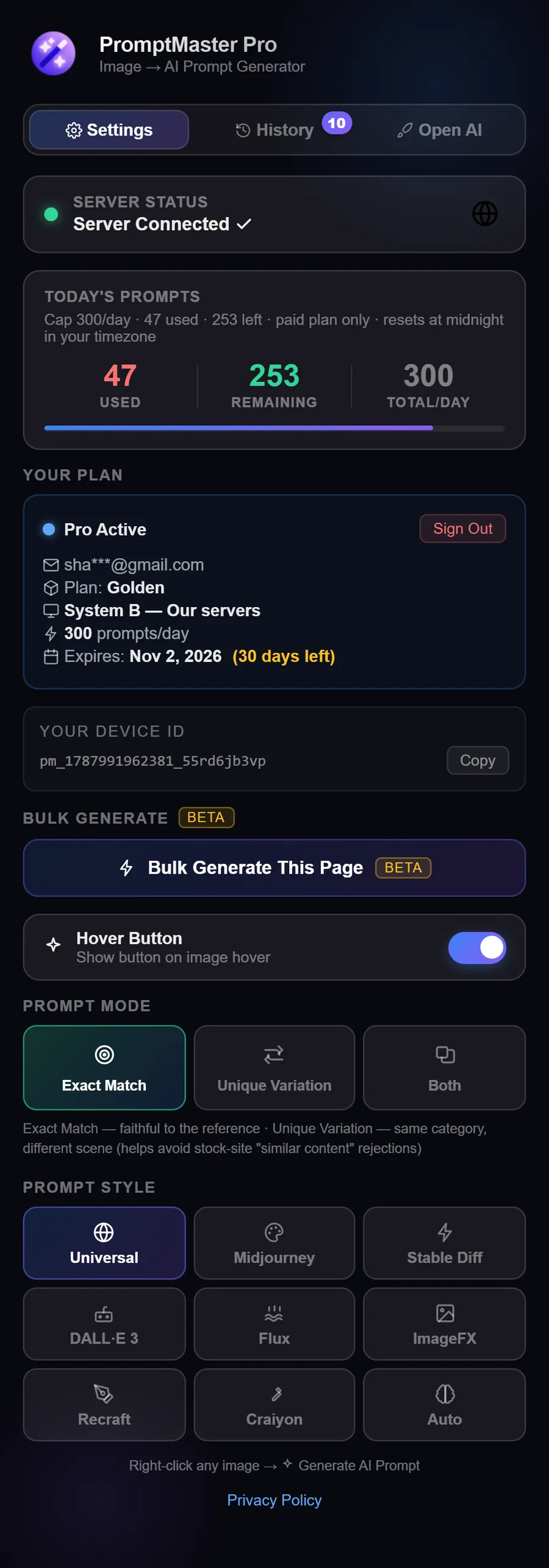
1,000* Prompts / Day
Unlimited History
Unlimited Devices
Bulk Generate
CSV Export
Unique Variation Mode
Popular
Own API Key
Silver
$1.99/mo
Use your free Groq key recommended · 5× faster or Gemini
1,000* Prompts / Day
Own API Key
9 Premium Styles
Magic Hover Button
Unlimited History
Unlimited Devices
Bulk Generate
CSV Export
Unique Variation Mode
We Handle Everything
Golden
$4.99/mo
No API key needed · Install & use instantly
300 Prompts / Day
Our Server
9 Premium Styles
Magic Hover Button
Unlimited History
Unlimited Devices
Bulk Generate
CSV Export
Unique Variation Mode
* Subject to your own key's limits · Groq free: 1,000/day (0.5–1.5s) · Gemini free: 500/day (5–7s)
Secure Payment
Pay by card via Lemon Squeezy for instant activation, or with bKash or Nagad right on our checkout page.
Card · bKash · Nagad accepted
Common Questions
What's the difference between Silver and Golden?
Silver uses your free Groq API key (recommended, 5× faster, 0.5–1.5s) or Gemini. You pay only the platform fee and API cost is zero. Golden uses our servers, no API key, no setup; install and start generating right away.
How do I get a free Groq API key?
Go to console.groq.com → sign up with Google → go to API Keys → Create Key. It takes about 2 minutes and it's completely free. Groq gives you 1,000 free requests/day.
When does my daily limit reset?
Your daily limit resets at midnight in your own timezone, not UTC. So if you're in Bangladesh, it resets at 12:00 AM Bangladesh time.
How do I pay and activate?
Click any plan button and choose how to pay. Card payments via Lemon Squeezy activate automatically within moments. For bKash or Nagad, send the amount shown on the checkout page and enter your Transaction ID there. We activate your plan after checking the payment, usually within 2-4 hours.
What happens after my plan expires?
Your account automatically reverts to the Free plan (10 prompts/day). You'll get reminder notifications before expiry.
Can I use it on multiple devices?
Yes, Silver and Golden both support unlimited devices, and your daily usage stays in sync across all of them. If you use 100 prompts on one device, your other devices immediately show 100 already used, since your daily quota is tied to your account, not any single device.
Questions about plans or billing? Email support@promptmasterpro.net or use our contact page.